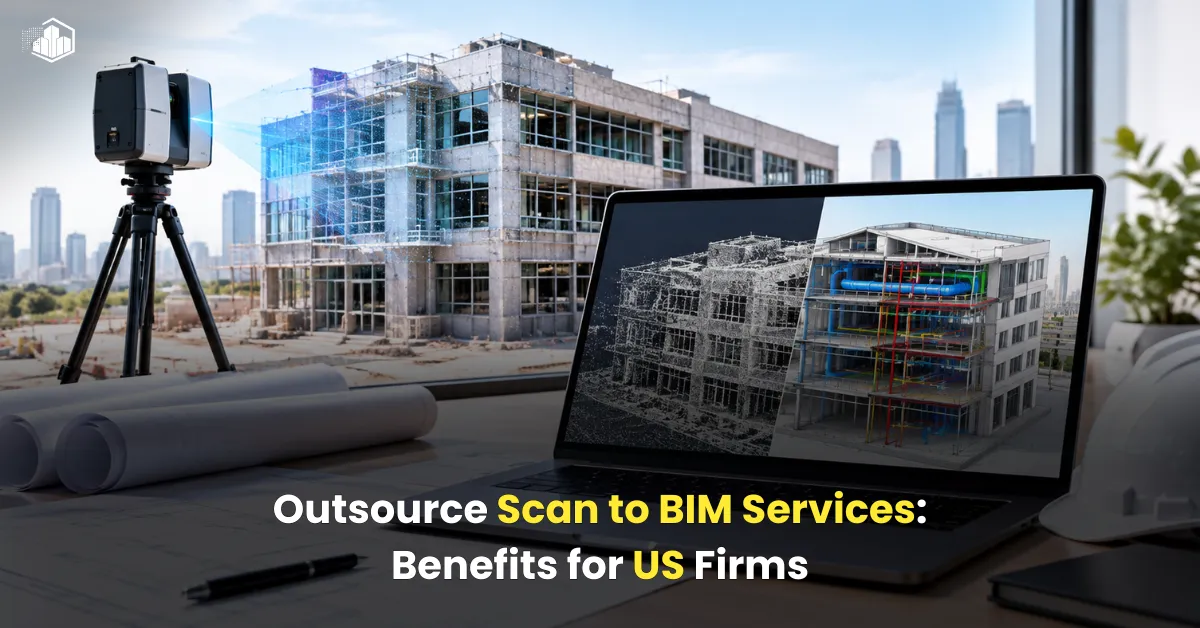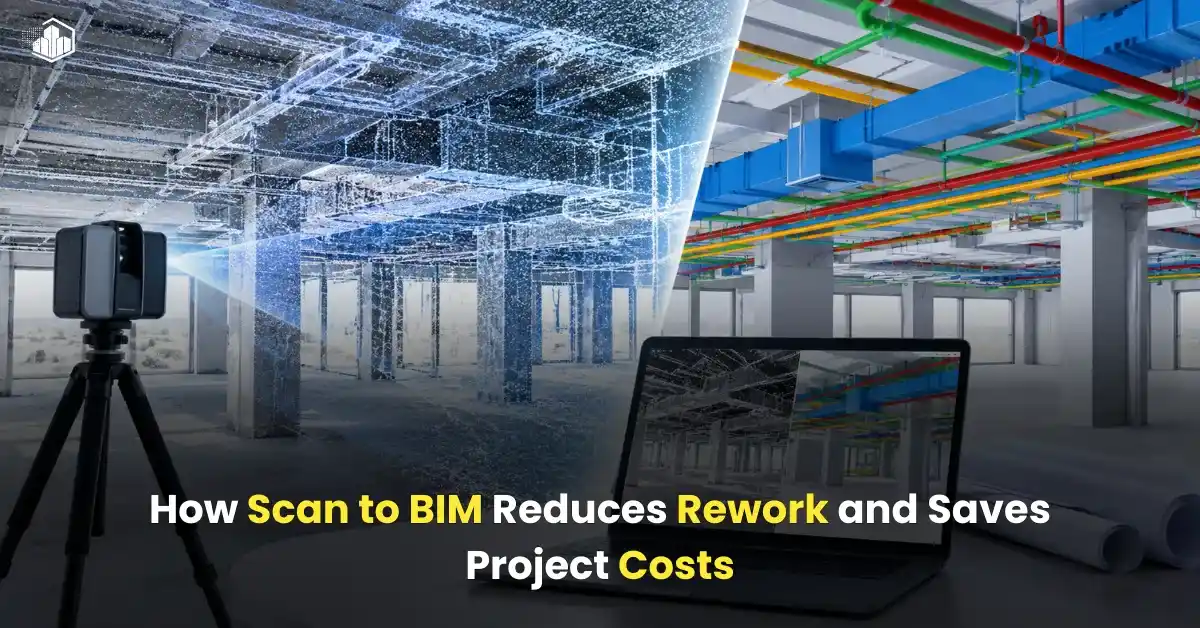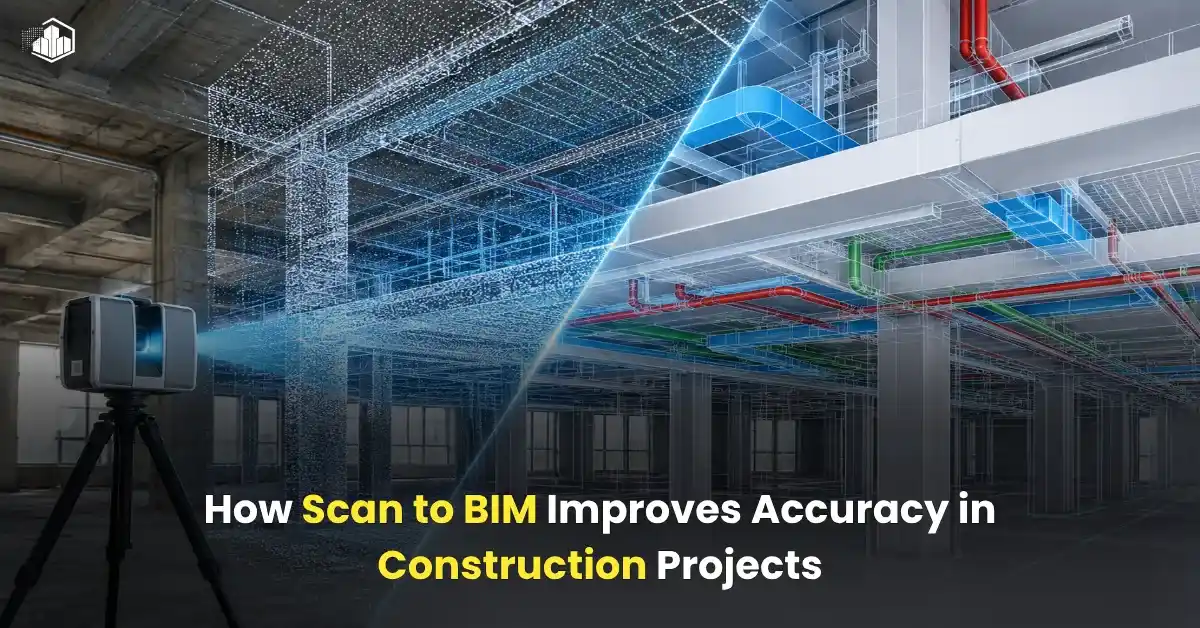
The building sector is evolving rapidly, making precise digital representations absolutely vital for today’s building projects. This is where scan to bim services play a major role. Choosing professional scan to bim services allows designers, engineers, builders, and building operators to transform raw point cloud data into smart 3D models for superior coordination.
A critical concept found in every modern workflow is LOD, short for Level of Development. While many professionals regularly come across terms like LOD 100, 300, or 500, few fully grasp their practical meaning or impact on a project, so this guide breaks down LOD in Scan to BIM into plain English to show how it works in practice.
What is LOD in Scan to BIM?
Essentially, this framework establishes the exact depth of information and geometry built into a model at various phases of a project, serving as a clear indicator of:
- How detailed the model is
- How accurate the elements are
- What information is included
- How the model can be used
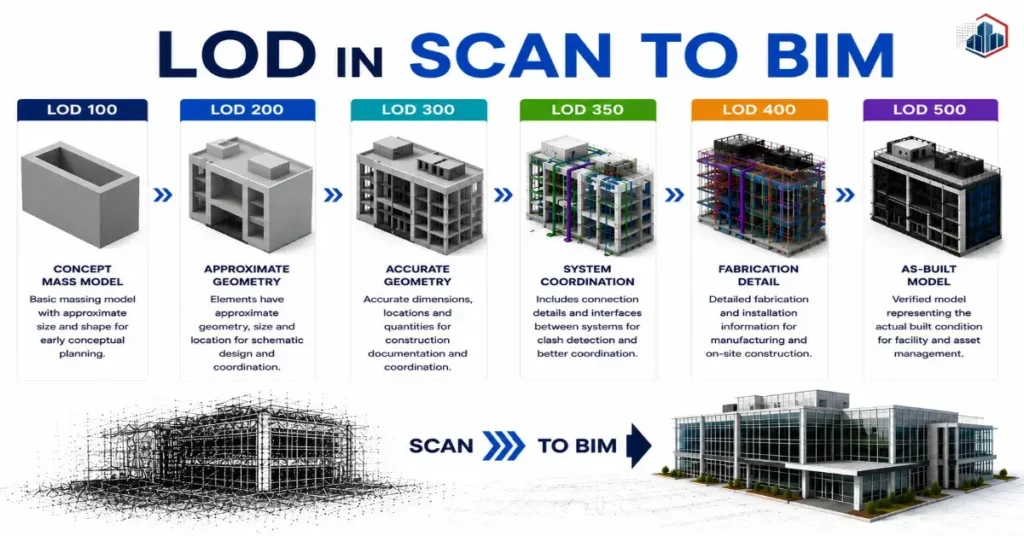
As a job progresses, the virtual model naturally gains depth, causing the scale to climb from 100 up to 500, with every step introducing sharper geometry and richer data to help teams make smarter choices during design and field installations.
Why is LOD Important in Scan to BIM?
Getting this classification right matters because it sets clear expectations regarding model reliability, keeping clients, designers, structural experts, and modelers fully aligned.
Benefits of Using Proper LOD
- Better project planning
- Improved coordination
- Fewer construction errors
- Accurate quantity takeoffs
- Easier facility management
- Better communication between teams
Picking the appropriate depth of detail minimizes wasted hours and controls budgets, ensuring every stakeholder gets exactly the data they need right when they need it.
Also read: Scan to BIM for Healthcare Facilities: Why Accuracy Matters
LOD 100 Explained
What is LOD 100?
Think of LOD 100 as the starting baseline where the model consists purely of conceptual masses and generic layouts.
The elements are not accurate in size or location. This stage works perfectly for initial feasibility studies, helping stakeholders visualize overall spatial arrangements before investing in heavy drafting.
Features of LOD 100
- Basic massing models
- Approximate dimensions
- Simple geometry
- Limited information
Where LOD 100 is Used
- Concept design
- Feasibility studies
- Early project discussions
- Budget estimation
Example
For instance, a partition might just look like a generic solid box without specific material attributes, true thickness, or exact field coordinates.
LOD 200 Explained
What is LOD 200?
Moving up a step, LOD 200 adds a layer of realism, providing estimated dimensions, general shapes, and rough spatial positioning for major elements.
Here, the files become practical for high-level schematic checks, letting different trades spot massive layout conflicts early on.
Features of LOD 200
- Approximate geometry
- Basic system details
- Generic components
- Preliminary coordination
Where LOD 200 is Used
- Schematic design
- Design development
- Preliminary coordination
Example
Air ducts at this stage show approximate paths and sizes, serving as placeholders to help coordinate main runs before fine-tuning the design.
LOD 300 Explained
What is LOD 300?
This specific milestone is a standard benchmark across the industry, requiring every modeled component to display precise physical sizes, true locations, and reliable quantities.
The model becomes reliable enough for construction documentation. At this point, the file is robust enough for intensive clash detection, structural verification, and generating material takeoffs for procurement.
Features of LOD 300
- Accurate geometry
- Exact dimensions
- Proper locations
- Coordinated building systems
Where LOD 300 is Used
- Construction documentation
- Coordination between trades
- Clash detection
- Quantity estimation
Example
Architectural and MEP components match exact field conditions, allowing field crews and engineers to collaborate seamlessly and eliminate costly site re-work.
LOD 350 Explained
What is LOD 350?
LOD 350 includes additional details about how different building systems connect and interact with each other.
This stage is built for cross-discipline coordination, bridging the gap between structural frameworks and mechanical setups by defining how components physically interface.
Features of LOD 350
- Connection details
- Interface modeling
- Better coordination
- More detailed components
Where LOD 350 is Used
- MEP coordination
- Clash detection
- Construction coordination
Example
Clear details like specific hanging brackets and structural penetrations are modeled out, which makes it much easier to spot hidden interferences before fabrication.
LOD 400 Explained
What is LOD 400?
LOD 400 is a fabrication-level model. It contains highly detailed information needed for manufacturing and installation.
Fabricators and contractors use this level for construction work. The BIM model includes precise details required for creating shop drawings and prefabricated building components for site installation.
Features of LOD 400
- Fabrication details
- Installation information
- Assembly details
- Precise dimensions
Where LOD 400 is Used
- Shop drawings
- Prefabrication
- Manufacturing
- Construction execution
Example
Structural steel layouts might show actual connection details, while mechanical networks include specific fittings and assembly guides for the installation crews.
Also read: Scan to BIM vs Scan to CAD: What’s the Difference?
LOD 500 Explained
What is LOD 500?
LOD 500 is the final stage of BIM development. It represents the actual built condition of the project.
This is also called the As-Built BIM Model. The information is verified after construction completion and reflects real site conditions with accurate asset and maintenance details.
Features of LOD 500
- Verified field conditions
- Actual installed components
- Facility management data
- Maintenance information
Where LOD 500 is Used
- Facility management
- Building maintenance
- Future renovations
- Asset management
Example
The resulting files present a true digital twin of the finished physical property, giving facility operators a powerful tool for asset management and future renovations.
Difference Between LOD 100 to 500
| LOD Level | Purpose | Accuracy | Usage |
| LOD 100 | Concept Design | Low | Planning |
| LOD 200 | Design Development | Approximate | Preliminary Design |
| LOD 300 | Construction Documents | Accurate | Coordination |
| LOD 350 | System Coordination | Detailed | Clash Detection |
| LOD 400 | Fabrication | Very High | Manufacturing |
| LOD 500 | As-Built Model | Verified | Facility Management |
Every individual tier corresponds to specific operational needs, growing more detailed and valuable as the building transitions from paper to physical reality.
Which LOD is Best for Scan to BIM Projects?
There is no single answer because every project has different requirements.
Commonly Used LOD Levels
- LOD 300 → Most common for BIM coordination
- LOD 350 → Best for MEP coordination
- LOD 400 → Used for fabrication work
- LOD 500 → Required for facility management
The right LOD depends on:
- Project scope
- Client requirements
- Budget
- Timeline
- End use of the BIM model
Locking down the right requirements at day one prevents over-modeling, saving precious time while ensuring the deliverables hit your specific goals.
How Scan to BIM Services Help with LOD Development
Professional Scan to BIM companies use laser scanning and BIM software to create accurate models at different LOD levels.
A reliable team can help you with:
- Point cloud processing
- Architectural BIM modeling
- Structural BIM modeling
- MEP BIM modeling
- Clash detection
- As-built BIM models
Partnering with seasoned experts guarantees a highly reliable outcome, keeping project timelines intact and minimizing misunderstandings among field teams.
Final Thoughts
Mastering the nuances of LOD in Scan to BIM is essential for modern project managers, as each tier serves a distinct purpose throughout a building’s lifespan.
From the initial sketch to long-term property management, this framework governs the accuracy and value of your data, protecting both your schedule and your budget.
When you need top-tier precision, teaming up with a proven provider ensures you get tailored scan to bim services that match your exact scope and long-term business goals.
Also read: Laser Scanning vs Traditional Surveying: Which is Better for BIM?