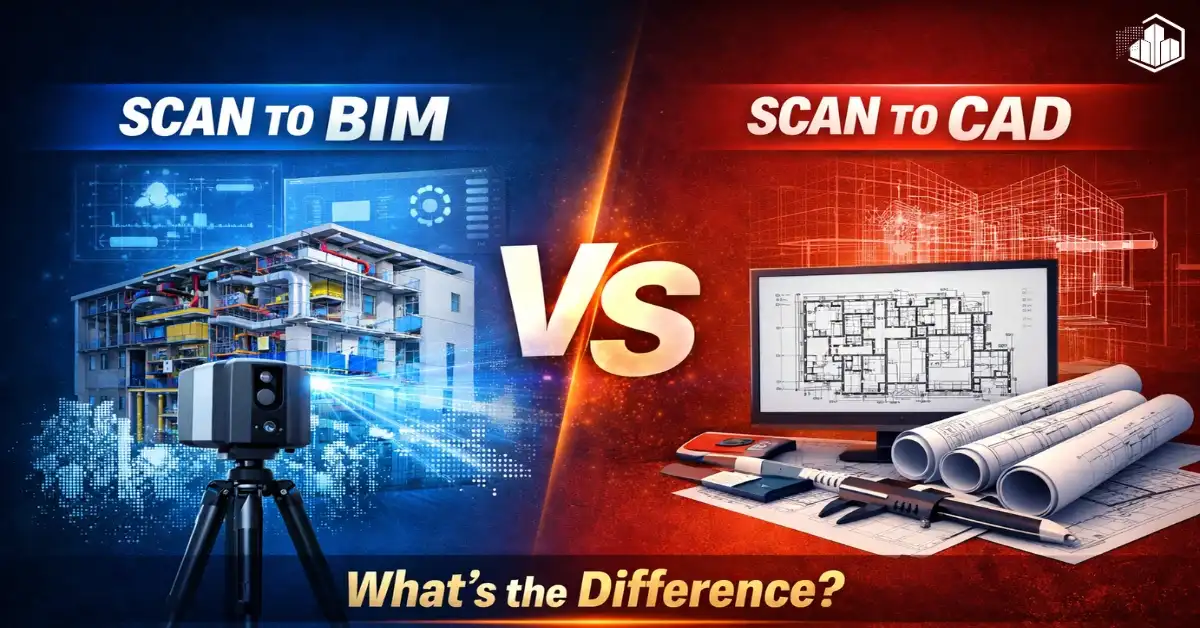
In the construction and architecture industry, Scan to BIM services and Scan to CAD services are two commonly used services. Many people think they are the same, but they serve different purposes. Choosing the right one can save time, reduce errors, and improve project accuracy. These services help project teams work with existing buildings and create accurate documentation.
In this guide, we will explain Scan to BIM vs Scan to CAD, their differences, benefits, and when you should use each service. This will help architects, engineers, contractors, and owners make better decisions for their projects.
What is Scan to BIM?
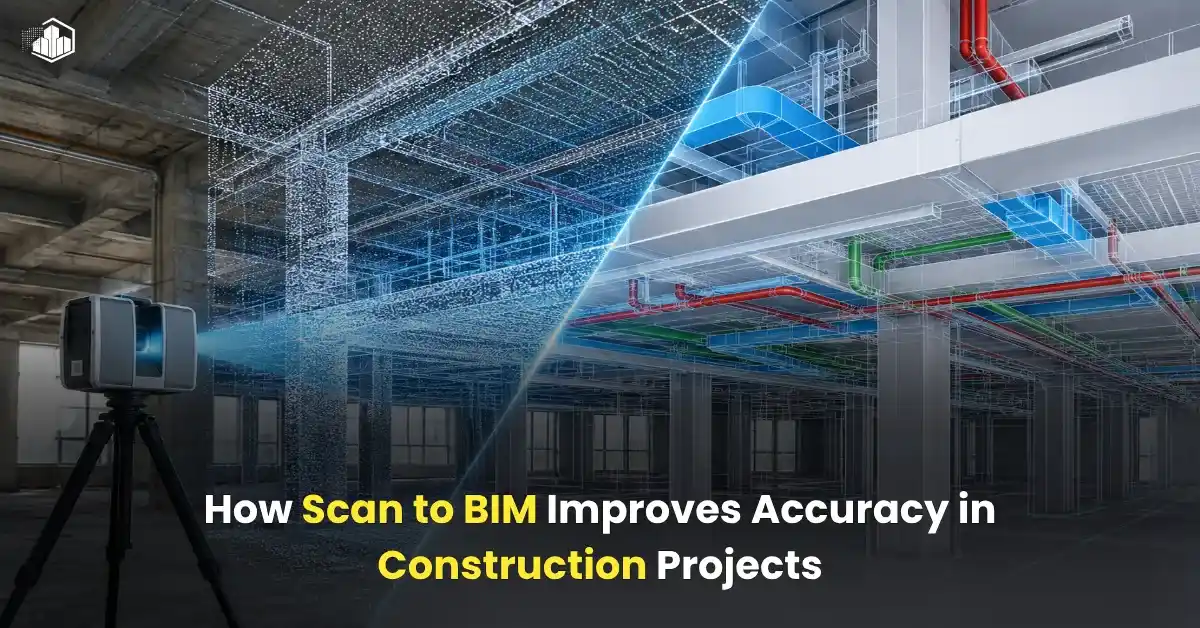
Scan to BIM is the process of converting laser scan data or point cloud data into an intelligent 3D BIM model. This model includes detailed information about building elements like walls, floors, ceilings, pipes, ducts, and structure. These models represent real-world conditions with high accuracy.
Professionals use software like Autodesk Revit and Navisworks to create BIM models from point cloud data. These tools help teams visualize the building and coordinate between disciplines more efficiently.
Main Features of Scan to BIM
- Intelligent 3D model
- Accurate dimensions
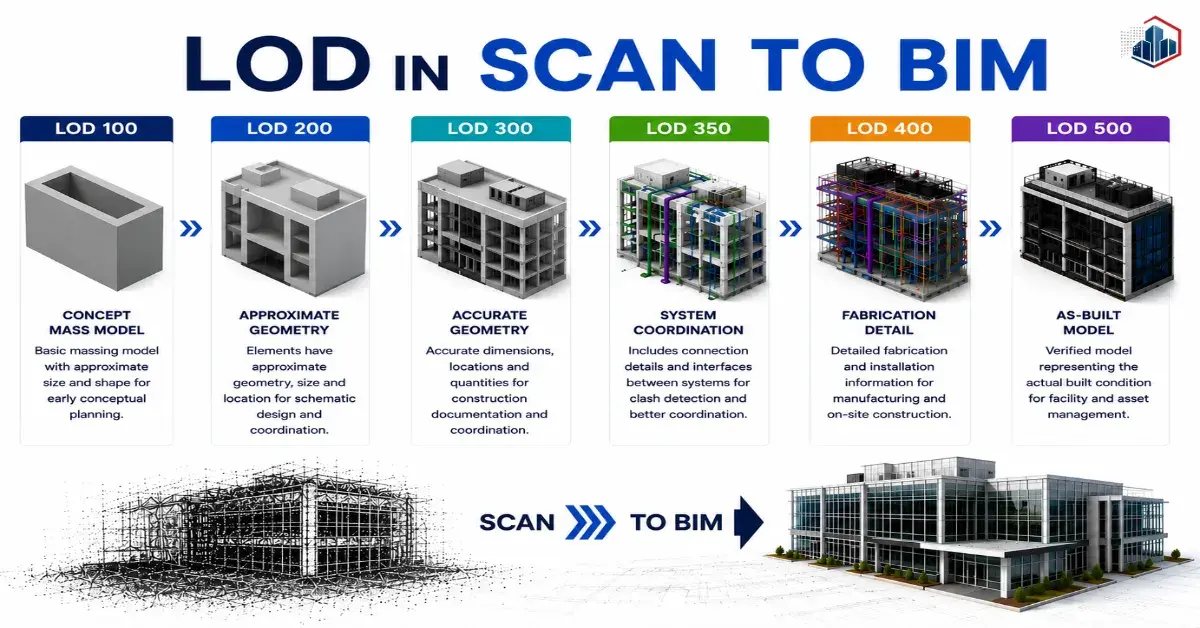
- LOD-based modeling (LOD 100–500)
- Clash detection capability
- Coordination between disciplines
- Data-rich building information
Scan to BIM services is mainly used for renovation, facility management, and complex construction projects. It helps project teams identify issues early and improve overall project planning.
What is Scan to CAD?
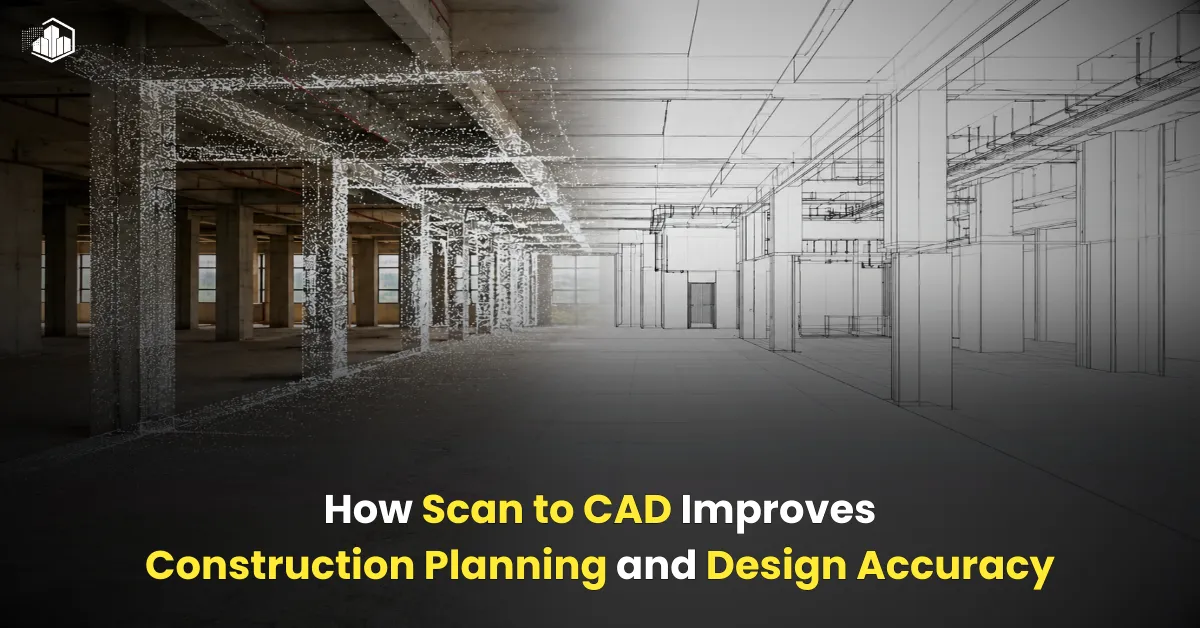
Scan to CAD is the process of converting laser scan or point cloud data into 2D drawings or basic 3D CAD models. These drawings usually include floor plans, elevations, sections, and layouts. These drawings help teams understand building layouts and dimensions.
Professionals use software like AutoCAD to create CAD drawings from scan data. These drawings are commonly used for documentation and design purposes.
Main Features of Scan to CAD
- 2D drawings (Floor Plans, Elevations, Sections)
- Basic 3D CAD models
- No intelligent building data
- Faster turnaround time
- Lower cost compared to Scan to BIM
Scan to CAD services is ideal for simple documentation and basic design work. It helps teams quickly create drawings from scan data.
Scan to BIM vs Scan to CAD: Major Differences
| Feature | Scan to BIM | Scan to CAD |
| Model Type | 3D Model | 2D Drawings / Basic 3D |
| Data Information | Comprehensive information | Limited information |
| Accuracy Level | Very high | High |
| Clash Detection | Yes | No |
| Project Complexity | Complex projects | Simple projects |
| Cost | Higher | Lower |
| Software Used | Revit, Navisworks | AutoCAD |
| Use Case | Renovation, Coordination | Documentation |
These differences help project teams choose the right service based on project goals and requirements.
Also read: Difference Between Point Cloud Modeling and Point Cloud to BIM Modeling
When Should You Use Scan to BIM?
You should choose Scan to BIM when:
- You need detailed 3D models
- Your project involves renovation or retrofit
- You need clash detection
- You want facility management data
- Your project has multiple disciplines
Scan to BIM helps reduce project risks and improves communication between teams.
When Should You Use Scan to CAD?
You should choose Scan to CAD when:
- You need 2D drawings
- Your project is simple
- You need faster delivery
- Budget is limited
- No need for detailed BIM model
Scan to CAD helps teams quickly get drawings for design and planning.
Major Benefits of Scan to BIM Services
Better Accuracy
Scan to BIM services provides highly accurate models based on real-world data. This reduces errors during construction and helps teams work with reliable measurements. Accurate models also help avoid site conflicts and reduce unnecessary revisions during project execution.
Improved Coordination
Multiple teams can work together using one BIM model. This improves collaboration between architects, engineers, and contractors. Better coordination helps reduce miscommunication and ensures that all stakeholders work with the same updated model.
Reduced Errors
You can detect clashes before construction starts. This saves time and cost by avoiding on-site changes. Early issue detection also helps improve planning and reduces delays during construction phases.
Better Decision Making
Project teams can visualize the building clearly. This improves planning and helps stakeholders understand the project better. Clear visualization also supports faster approvals and better communication with clients.
Major Benefits of Scan to CAD Services
Faster Turnaround
Scan to CAD projects usually complete faster. This helps meet deadlines and supports quick decision-making. Faster delivery is especially useful for projects that require immediate documentation.
Cost Effective
Scan to CAD services are more affordable. This is good for small projects or projects with limited budgets. Companies can still get accurate drawings without spending on full BIM modeling.
Easy to Use
2D drawings are simple and widely used. Teams can quickly understand drawings and begin work without additional training. This makes Scan to CAD suitable for many industries.
Good for Documentation
Perfect for record drawings and as-built plans. These drawings help maintain project records and support future renovations or upgrades.
Scan to BIM vs Scan to CAD: Which One is Better?
There is no single answer. It depends on your project needs and requirements.
- Choose Scan to BIM for complex and large projects
- Choose Scan to CAD for simple documentation work
If you want better coordination and future-ready data, Scan to BIM is the better choice. If you only need drawings, Scan to CAD is enough.
Conclusion
Both Scan to BIM and Scan to CAD play important roles in construction projects. Scan to BIM provides intelligent 3D models with detailed data, while Scan to CAD focuses on 2D drawings and simple documentation.
Choosing the right service depends on your project scope, budget, and requirements. Understanding the difference helps you make the right decision and avoid costly mistakes.
Also read: Laser Scanning vs Traditional Surveying: Which is Better for BIM?
FAQs
What is the main difference between Scan to BIM and Scan to CAD?
Scan to BIM creates intelligent 3D BIM models, while Scan to CAD creates 2D drawings or basic CAD models.
Is Scan to BIM more expensive than Scan to CAD?
Yes, Scan to BIM usually costs more because it involves detailed modeling.
Which is more accurate, Scan to BIM or Scan to CAD?
Both are accurate, but Scan to BIM provides more detailed information.
Can Scan to CAD be converted to BIM later?
Yes, but it requires additional modeling work.
Which service is best for renovation projects?
Scan to BIM is best for renovation projects.